How to Ensure Your AI-Built Product Is Ready for Real Users
Launch Checklist11 min readAugust 19, 2026

How to Ensure Your AI-Built Product Is Ready for Real Users

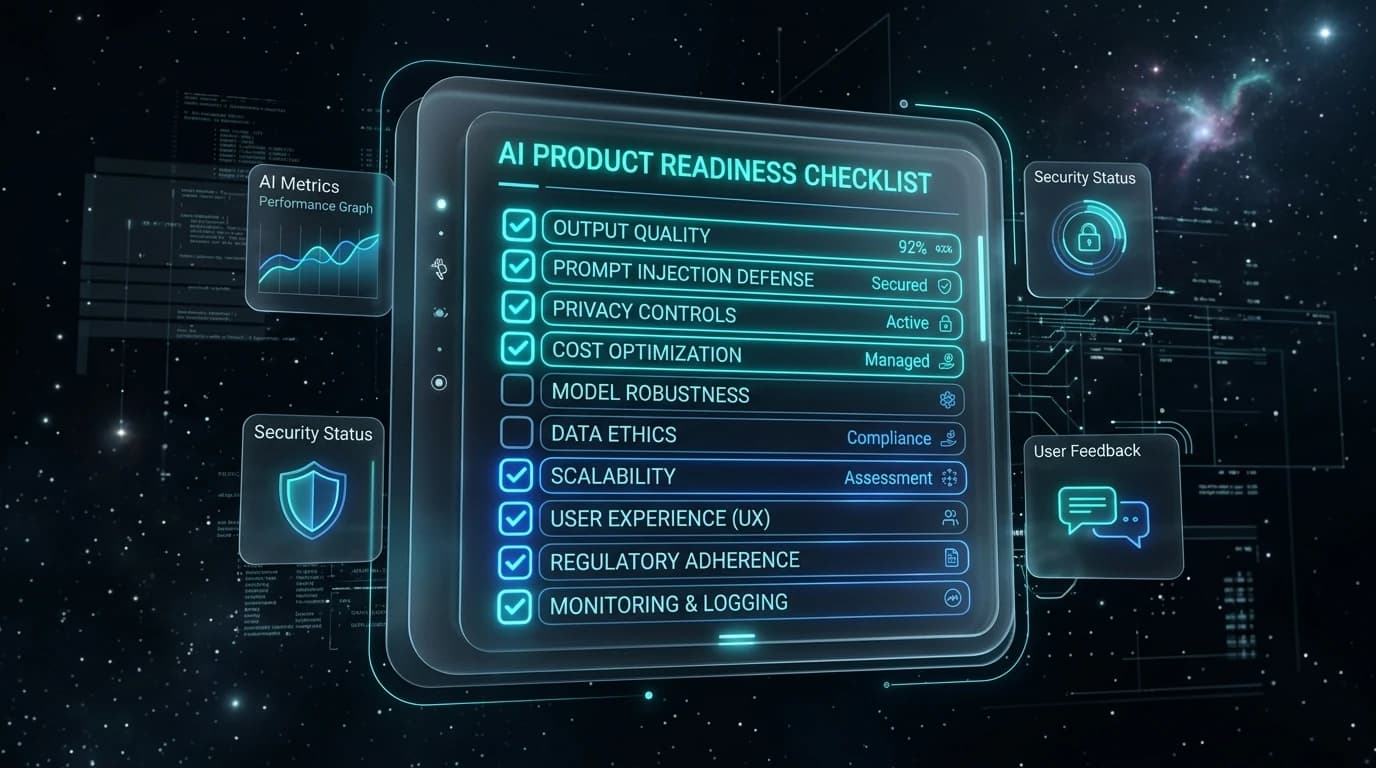
You built something with AI. It works on your machine. Your demos look great. Now the question that keeps founders up at night: is this actually ready for real users? This is not another article asking if your enterprise leadership supports AI. This is a practical, ground-level 12-point readiness checklist for founders, vibe coders, and technical teams who used AI tools to ship fast and now need to verify output quality, latency, prompt injection defenses, privacy controls, and monitoring before full launch.

What “Ready” Means for AI-Built SaaS & Vibe Coders

Traditional software is deterministic: write code, test logic, fix errors, ship. AI-built products built on Cursor, Lovable, Bolt.new, or Replit are different in three critical ways:

1. Outputs are Probabilistic

An app can succeed on 98% of developer tests and fail embarrassingly on the other 2% in front of a real paying customer.

2. Failure Modes Are Novel

AI products don't just throw 404s. They hallucinate, leak system prompts, or produce believable but harmful output.

3. The UX Bar Is Higher

Conditioned by ChatGPT and Claude, users expect immediate value. Clunky or slow AI leads to silent churn, not bug tickets.

The Complete AI Product Readiness Checklist (12 Verification Pillars)

Run through these 12 pillars before launching your AI product to live traffic:

1. Output Quality Testing

  • Run 50-100 diverse real-world prompts
  • Test typos, empty states, and multilingual inputs
  • Unacceptable output rate < 5%

2. Hallucination Handling

  • Identify factual/recommendation features
  • Add disclaimers & "verify this" alerts on high-stakes outputs
  • RAG empty document fallback tested

3. Error States & Fallbacks

  • Map timeouts, rate limits, and content blocks
  • Helpful user guidance instead of raw errors
  • Graceful non-AI fallback routes configured

4. Latency & Performance UX

  • Measure average, p90, and p99 response times
  • Loading states & streaming for responses > 2s
  • 10x traffic load test completed

5. Cost Controls & Rate Limits

  • Hard spending caps set with AI provider
  • Per-user rate limits and query caching
  • Unit economics verified for high-volume users

6. Data Privacy & Security

  • Audit prompts for PII & sensitive business data
  • Confirm AI provider training/retention terms
  • No cleartext logging of sensitive customer inputs

7. Prompt Injection Defense

  • Test system prompt extraction attacks
  • Test "ignore previous instructions" jailbreaks
  • Add input sanitization & output filter layers

8. Onboarding & 60-Second UX

  • Watch 5 users try the app without guidance
  • Clear communication of AI capabilities/limits
  • Example prompts & starter templates provided

9. Feedback Loops

  • Thumbs up/down & problem reporting on outputs
  • Context logging for negative responses
  • Weekly review process during month one

10. Monitoring & Observability

  • Full logging of inputs, latency, and cost
  • Alerts for error surges or latency spikes
  • Drift detection & model version pinning

11. Multi-Tenant Isolation

  • Database permissions verified per user/org
  • AI cannot surface data across tenant boundaries
  • Strict authorization on backend tool execution

12. Structured Go/No-Go Gate

  • Quality threshold met across test suites
  • Privacy & security audit signed off
  • 24-hour incident response plan active

5 Costly Mistakes Vibe Coders & AI Founders Make

  1. Testing only with clean inputs: Ideal prompts in development never reflect chaotic real user queries.
  2. Skipping the failure path: Founders spend 80% of time on happy paths; users churn on the unhandled failure paths.
  3. Launching to everyone at once: Staged rollouts (10% waitlist) prevent fatal blast radiuses.
  4. No baseline metrics: If you don't measure quality before launch, you can't know if prompt updates improve or degrade output.
  5. Ignoring cost per user: Linear AI API costs can quickly turn viral popularity into massive financial loss without rate limits.

How to Test Your AI Product With Real Users

Closed Beta (5–20 Users)Watch live sessions to observe what users type as their very first prompt.
Staged Rollout (10%)Monitor error rates, API costs, and feedback for 48–72 hours before expanding.
Unassisted Usability TestGive zero guidance. If users don't know what to enter, fix prompt starters.
Prompt A/B TestingTest prompt variants with real queries to maximize output consistency.

Frequently Asked Questions

How do I know if my AI product is ready to launch?

Your AI product is ready to launch when it passes a structured readiness checklist covering output quality, error handling, privacy, security, and monitoring. The practical test: run 50+ diverse real-world inputs through your product, watch 3–5 real users use it without your guidance, and verify you can detect and respond to failures after launch. If you can do all three, you are ready for a limited launch.

What should I test before deploying an AI app to users?

Before deploying, test output quality across diverse and edge-case inputs, all failure states and error handling, prompt injection and adversarial inputs, latency and performance under load, data privacy (what user data enters your prompts), and your monitoring and alerting setup. Pay special attention to how your product behaves when the AI is wrong.

What is the difference between AI readiness and AI product readiness?

AI readiness asks whether an organization is prepared to adopt AI tools — strategy, talent, data governance, and leadership alignment. AI product readiness asks whether a specific product built with AI is ready to be used by real customers — output quality, error handling, user experience, privacy, security, and observability.

How do I handle AI hallucinations in my product before going live?

First, identify every feature where the AI outputs facts, numbers, or instructions. For each, test what happens when the AI is wrong. Add UI signals (disclaimers, "verify this", confidence indicators) where mistakes could harm users. For retrieval-based features, test what happens when the source data does not contain the answer.

Is a vibe-coded app safe to ship to users?

A vibe-coded app can absolutely be safe to ship — but it requires the same production readiness work as any AI product. Rapid AI-assisted development speeds up building, but it does not automatically cover error handling, security, cost controls, or monitoring. Run through the checklist before launch.

What does a pre-launch checklist for an AI app include?

A pre-launch checklist for an AI app should include: output quality testing across diverse inputs, error state and fallback design, hallucination handling, prompt injection testing, data privacy and security audit, latency and performance testing, cost-per-user calculation, user feedback mechanism, monitoring and alerting setup, and a staged rollout plan.

How many users should I test with before a full launch?

For most AI products, start with 5–20 users in a closed beta, watch them use the product live or via session recordings, and collect structured feedback on output quality and usability. After addressing the major issues, open to 10% of your waitlist and monitor for 48–72 hours before expanding.

Ship Smart, Not Just Fast

AI development tools let you build faster than ever. Compound that speed with verifiable launch confidence. Run our free scan or book a technical launch audit.

L

Launchieve Technical Review Team

Technical Audit Engineers

We review AI-built codebases across security, infrastructure, APIs, and launch readiness. Our team has audited products built with Cursor, Lovable, Bolt.new, Replit, Supabase, Firebase, and mixed AI-assisted workflows. Every finding in this article comes from patterns observed in real technical reviews — not theoretical scenarios.